01 · The practice
3D CAD Modelling Services UK
Dream InReality builds SolidWorks 3D CAD models for UK product businesses and takes them through to manufacture. Each part is modelled parametrically, so a dimension or feature can change without a redraw.
Projects arrive as a sketch, a physical sample or another designer's files. They leave as native SLDPRT and SLDASM models, STEP and DXF exports, a PDF drawing pack with a bill of materials, and photorealistic renders for listings and pitches.
Clients range from inventors with a first prototype to manufacturers taking on a customer's design. The timeline below follows a product from first sketch to production and names the service that covers each stage.
- SLDPRT
- SLDASM
- STEP
- DXF
02 · The process
Product development timeline
Eight stages from a first sketch to parts coming off the line. Join at whichever stage your project has reached.
Stage 01 · Brief
Sketch, sample or existing part
Work starts from whatever exists: hand sketches and reference photos, a physical sample, or a part whose drawings are lost. Physical parts are measured or scanned and rebuilt as parametric SolidWorks models.
- Sketch
- Sample
- Scan data
Stage 02 · Design
Parametric 3D model
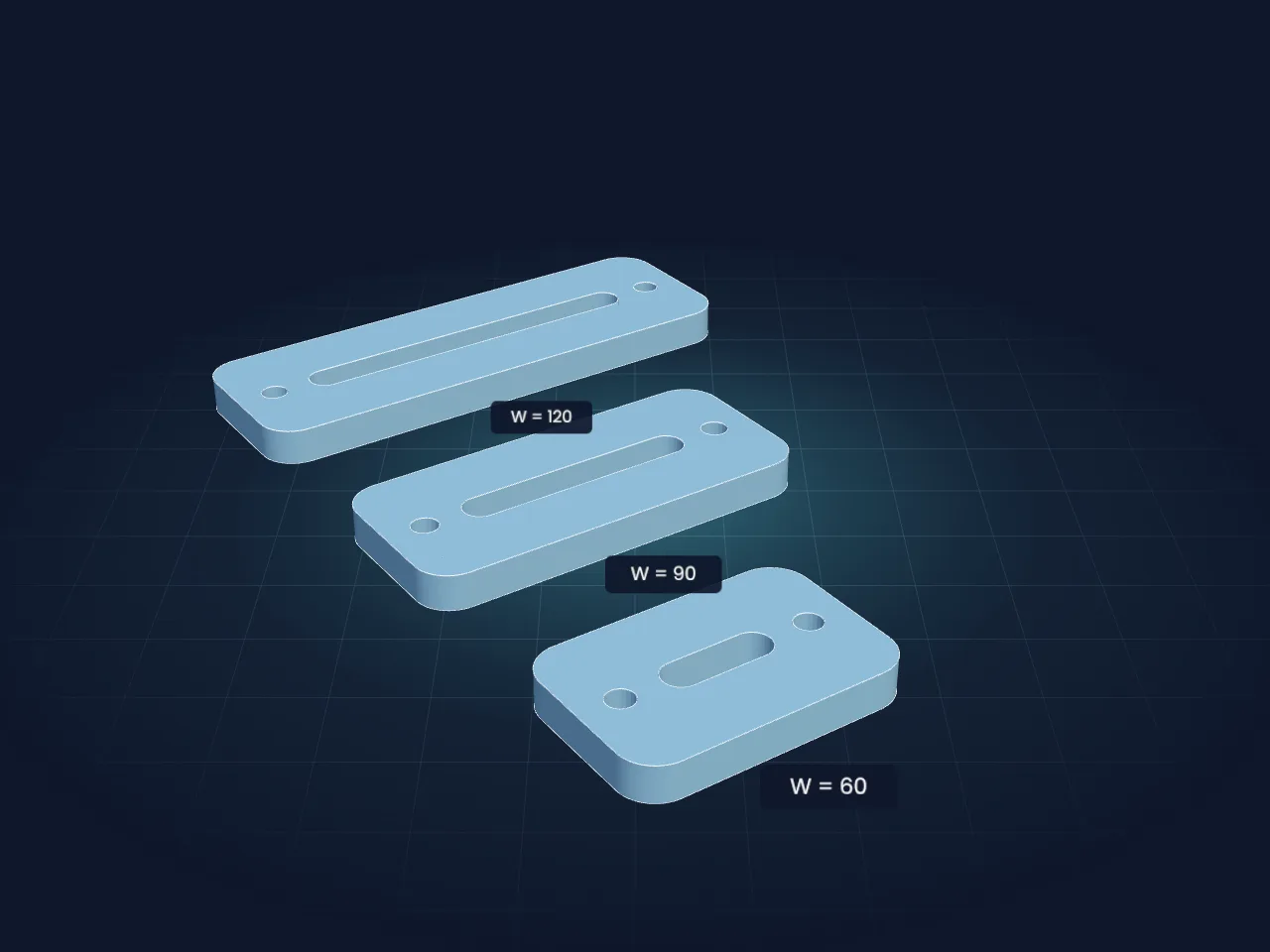
Each part is built as a parametric SolidWorks model, so dimensions and features can be altered later without rework. Delivered as native SLDPRT files with STEP exports.
- SLDPRT
- STEP
Example feature tree
- Sketch1
- Boss-Extrude1
- Fillet1
- Hole Wizard1
- Linear Pattern1
Stage 03 · Assembly
Assembly and fit check
The parts are brought together in a SolidWorks assembly, and fit and clearance are checked before anything is made.
- SLDASM
Example mates
- Concentric1
- Coincident1
- Distance1
Stage 04 · Prototype
3D printed prototype
STL files exported from the model are 3D printed as functional prototypes, so the design can be handled, tested and corrected before money goes into tooling.
- STL
Stage 05 · DFM review
Design for manufacture review
The model is checked against the process that will make it: wall thickness, draft angles, undercuts and material use. Changes are made in the model and listed in a written report.
- PDF report
- SLDPRT
- STEP
Example report lines
- Wall 0.8 → 2.0 mm
- Draft 0° → 2°
- Undercut removed
Stage 06 · Drawings
Construction drawings
The drawing pack tells the factory what to make and how to check it: dimensioned and toleranced PDF drawings, DXF profiles and a bill of materials.
- PDF pack
- DXF
- BOM
Stage 07 · Renders
Photorealistic renders
PNG and JPEG images are rendered from the finished CAD model for listings, pitches and packaging, before the first production unit exists.
- PNG
- JPEG
Stage 08 · Production
Files to the factory
Models are converted to the formats the supplier's software opens and sent with the drawing pack. Factory liaison is handled on your behalf, through dreaminreality's contacts in Asia or with the manufacturer you have chosen: technical questions, prototypes and samples.
- STEP
- IGES
- DXF
03 · Services
3D CAD design services

Reverse Engineering
Measured or scanned parts rebuilt as parametric SolidWorks models — useful when drawings are lost or a legacy part needs reproducing.

Parametric 3D Models
Parametric SolidWorks models, delivered as native SLDPRT/SLDASM files with STEP exports, built so dimensions and features can be altered without rework.

Assembly Modelling
Multi-part SolidWorks assemblies (SLDASM) that integrate your components into a single 3D model and check fit and clearance before anything is made.

Rapid Prototyping
Functional prototypes to test and validate your design, 3D printed from STL files produced directly from your CAD model.

Design Optimisation
Refine existing designs to correct wall thickness and draft, remove undercuts or cut material use. Delivered as updated SLDPRT/SLDASM files with revised PDF drawings.

Construction Drawings
Drawing packs for manufacture: dimensioned and toleranced PDF drawings, DXF profiles and a bill of materials.

Photorealistic Rendering
Photorealistic visualisations of your product from the CAD model, supplied as PNG and JPEG images for listings, pitches and packaging.

CAD File Conversion
Conversion between STEP, IGES, DXF and native SolidWorks formats, so your files open cleanly in your suppliers' software.
04 · References
Testimonials

"After doing several smaller jobs he was then responsible for the company's two main CAD accounts which worked really well. This happened faster than my own progression which proved to me he is a fast learner."
"Simeon has tons of good qualities but the ones I appreciate the most are his consistency, honesty and sense of decency. True team player."

"We have worked with Simeon Campbell on a number of design projects. Simeon completed any design work we sent to him quickly and to a consistently high standard."
"We would certainly recommend him and would be happy to work with him again."